Remote Access Agent
Secure, approved remote access that makes support dramatically easier.
This offer upgrades Remotfix from reactive helpdesk support to a more managed operating model: selected devices can be prepared for faster incident response, maintenance, and follow-up work.
- Reduce back-and-forth before support begins
- Enable unattended maintenance where approved
- Keep a cleaner map of business devices and support context
The business case

What is included
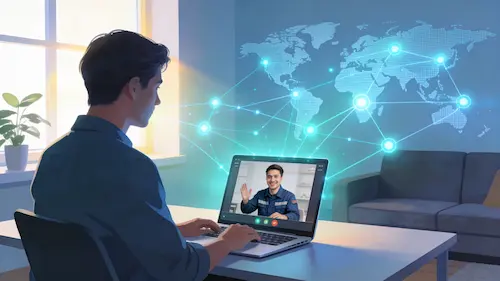
Remote access readiness, not just one-time troubleshooting.
Use cases
Where remote access agents add the most value
Great for businesses that do not want to rely on emergency-only support.
User support
Help employees faster with app issues, setup work, access problems, and recurring friction.
Maintenance
Perform approved updates, checks, and cleanup tasks without waiting for every live screen share.
Onboarding
Prepare new devices, install apps, and standardize settings for new staff or contractors.
Incident response
Investigate problems faster because access and context are already prepared.
Documentation
Keep notes and support history linked to actual endpoints and business workflows.
Managed growth
Pair the agent layer with security controls and AI-assisted support operations.
Recommended stack
Tools that fit this service
Different clients may use different tools, but the design principle stays the same: secure access, clear approvals, strong documentation.




Next step
Start with a small rollout on high-value devices.
That creates the fastest path to proving the value of the service while keeping change controlled.